Free live TV, on your phone and your TV
Pakistani, Indian, Canadian, British and American channels. Watch here in your browser, or get the Live TV app for Android phones, tablets and Google TV.
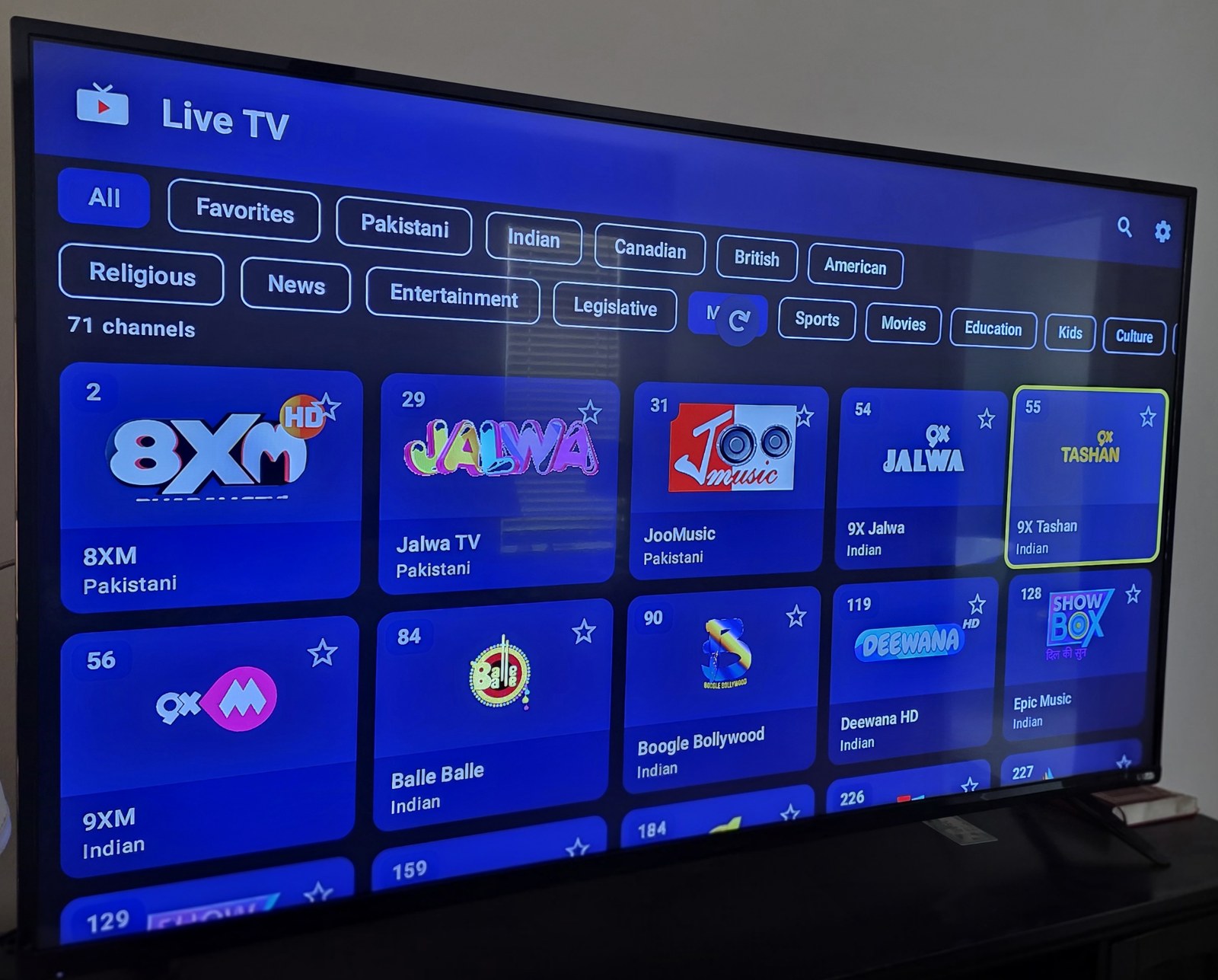
Watch live
Pick a channel to start watching. Use Add a country to see channels from anywhere in the world. Some channels only play in the app or in their own country.
Loading channels…
Get the app
For Android phones, tablets, Google TV, Android TV and Fire TV. Not in the Play Store, so follow the install guide.
The link always gives the newest version (about 22 MB).
On a TV, type this in the Downloader app:
If the short link doesn't work, use the full link:
github.com/NaseerBabar786/live-tv-app/releases/latest/download/LiveTV.apk
How to install
Choose your device. You can also open the full guide as a PDF.
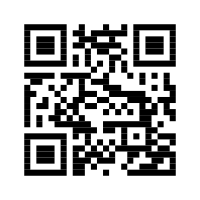
- On the phone, open Chrome and go to tinyurl.com/2y669ug7, or scan the QR code above with the camera.
- If Chrome warns that the file might be harmful, tap Download anyway.
- When it finishes, tap Open. Or open the My Files app, go to Downloads and tap LiveTV.apk.
- If you see "your phone is not allowed to install unknown apps from this source", tap Settings, turn on Allow from this source, then press Back.
- Tap Install.
- If Google Play Protect blocks it, tap More details, then Install anyway.
- Tap Open. Live TV is now in your app list.
TVs don't have a normal web browser, so you use the free Downloader app.
A. Install Downloader (one time only)
- On the TV home screen, open Search and search for Downloader. Install Downloader by AFTVnews (orange icon).
B. Allow Downloader to install apps (one time only)
- Open Settings › System › About.
- Press OK on Android TV OS build 7 times until you see "You are now a developer".
- Go back to Settings › Apps › Security & restrictions › Unknown sources.
- Turn on Downloader.
C. Download and install Live TV
- Open Downloader. Allow it to access files if it asks.
- Type tinyurl.com/2y669ug7 in the box and press Go. If that fails, type the full link shown above.
- Wait for the download to reach about 22 MB, then press Install. If Play Protect warns you, choose Install anyway.
- Press Open, or Done and then Delete to remove the downloaded file.
- To pin Live TV to the home screen, highlight it, hold OK and choose Add to favourites.
- Install Downloader from the Amazon Appstore.
- Go to Settings › My Fire TV › Developer options › Install unknown apps and turn on Downloader. If Developer options is missing, open Settings › My Fire TV › About and press OK on your device name 7 times.
- Follow part C of the Google TV steps.
- Open Live TV and select the gear icon at the top right to open Settings.
- Select Check for updates.
- If a new version is available, select Update to version ….
- The first time, Android may ask you to allow Live TV to install apps. Turn it on, press Back and select Update again.
- Select Install. Your favourites and settings are kept.
"App not installed"
An older copy (before version 1.7.2) is on the device. Uninstall Live TV once, then install again.
"There was a problem parsing the package"
The download was incomplete. Delete it and download again, checking it is about 22 MB. On a TV, try the full link.
A channel doesn't play
The broadcaster may be offline, or the channel only plays in its own country. Some channels play in the app but not in a web browser.